Introduction
The Outline Expansion Pattern aims to use the LLM to provide a hierarchical list of possibilities and deep dive in one or more point of the list, creating a narrowed set of possibilities. The pattern relies on the concept of outline expansion, essentially the creation of:
- An initial list of major topics and arguments
- For each element of the list a sublist of topics related to the main one
Until the granularity of the information needed is reached. The outline expansion is considered a writing technique.
The Prompt
The generic structure of the prompt is the following:
Act as an outline expander.
Generate a bullet point outline based on the input that I give you and then ask me for which bullet point you should expand on.
Create a new outline for the bullet point that I select.
At the end, ask me for what bullet point to expand next.
- (OPTIONAL) If I tell to "go back" show the previous outline.
- (OPTIONAL) The bullet point list can have at most [MAX AMOUNT] of bullets.
- (OPTIONAL) Each bullet can have at most [MAX AMOUNT] sub bullets.
- (OPTIONAL) The bullets should be numbered using the pattern [A-Z].[i-v].[* through ****]
Ask me for what to outline.
The main caveats are related to:
- The number of elements in a list can easily become overwhelming
- The number of levels in the outline can become not-manageable.
With these two points in mind the pattern can help to create an initial skeleton of ideas, refine them and iterate. It is quite useful introducting the possibility to go back in the navigation, asking to the LLM to re-show the previous level of the outline.
To be clear the patter will only provide the navigation, not ending the list on a specific point neither expanding the request with extra description.
How to use the Prompt
The prompt must be setup as contextual prompt before any session. After that the first request is made and then, via choice of which bullet-point should be expanded, the user can navigate the structure.
Some Tests
Let’s try the prompt in all its shining with all the optional fields.
The tests will use
- Act as an outline expander.
- Generate a bullet point outline based on the input that I give you and then ask me for which bullet point you should expand on.
- Create a new outline for the bullet point that I select.
- At the end, ask me for what bullet point to expand next.
- If I tell to “go back” show the previous outline.
- The bullet point list can have at most 4 of bullets.
- Each bullet can have at most 3 sub bullets.
- 3 The bullets should be numbered using the pattern [A-Z].[i-v].[* through ****]
- Ask me for what to outline.
and suggest me a menu for dinner for few friends at my apartment
as a request. The idea behind the test is checking in how many steps the LLM will provide a list that can be useful or instead will enter in an endless loop.
Google Gemini
Putting the prompt in Gemini
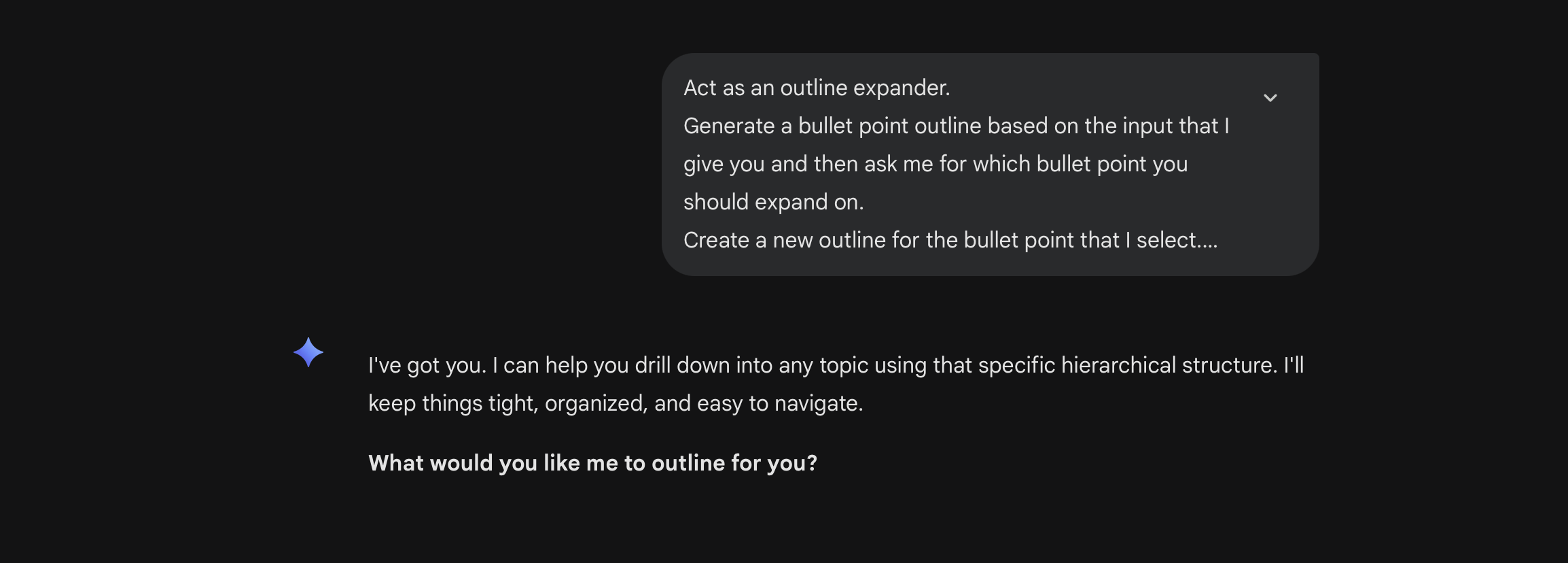
The answer is the expected one. With the associated question:
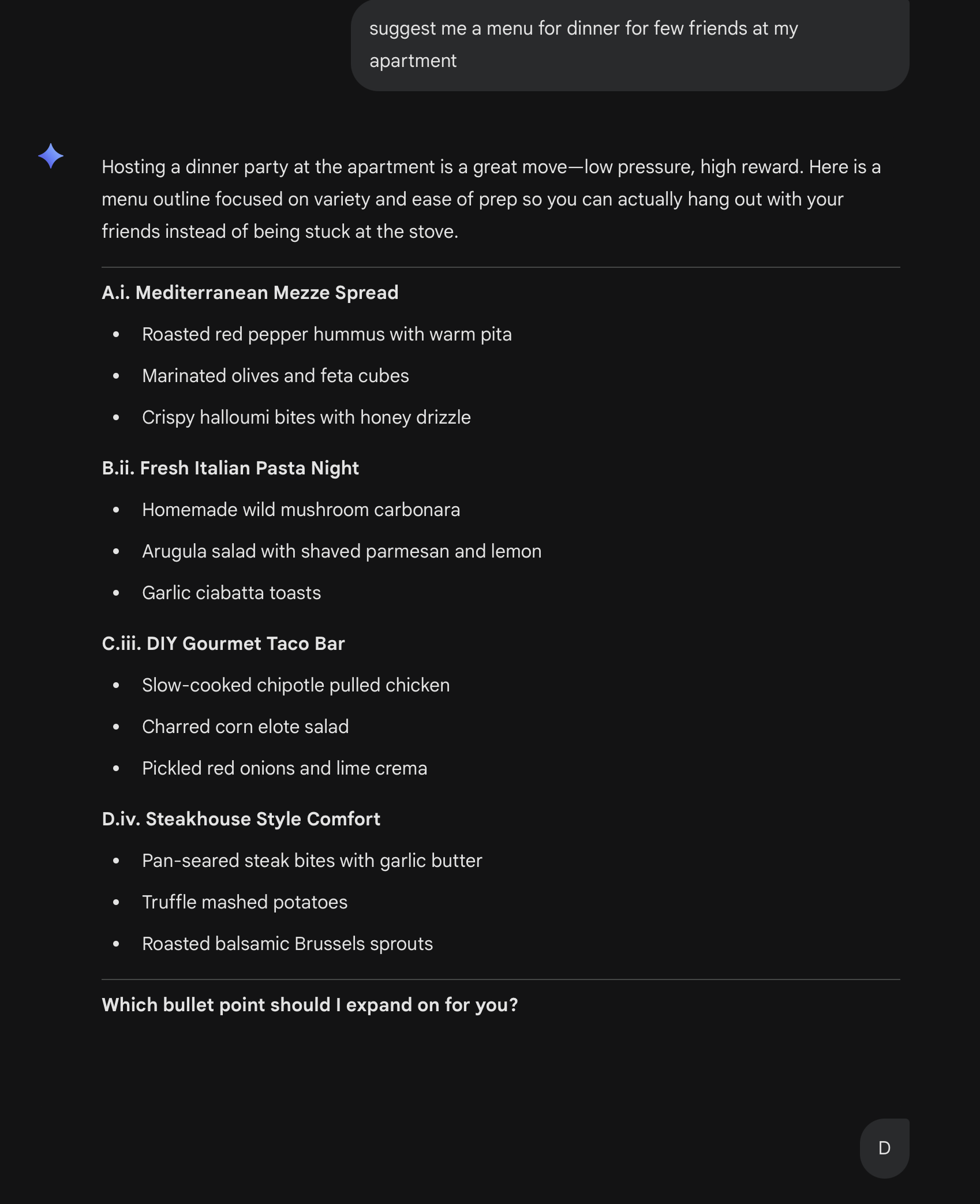
The LLM provides a set of possibilities, and selected one, provides the expansion in sub bullets. Putting aside the quality of the food suggested the navigation landed in a brief set of instruction on how to cook
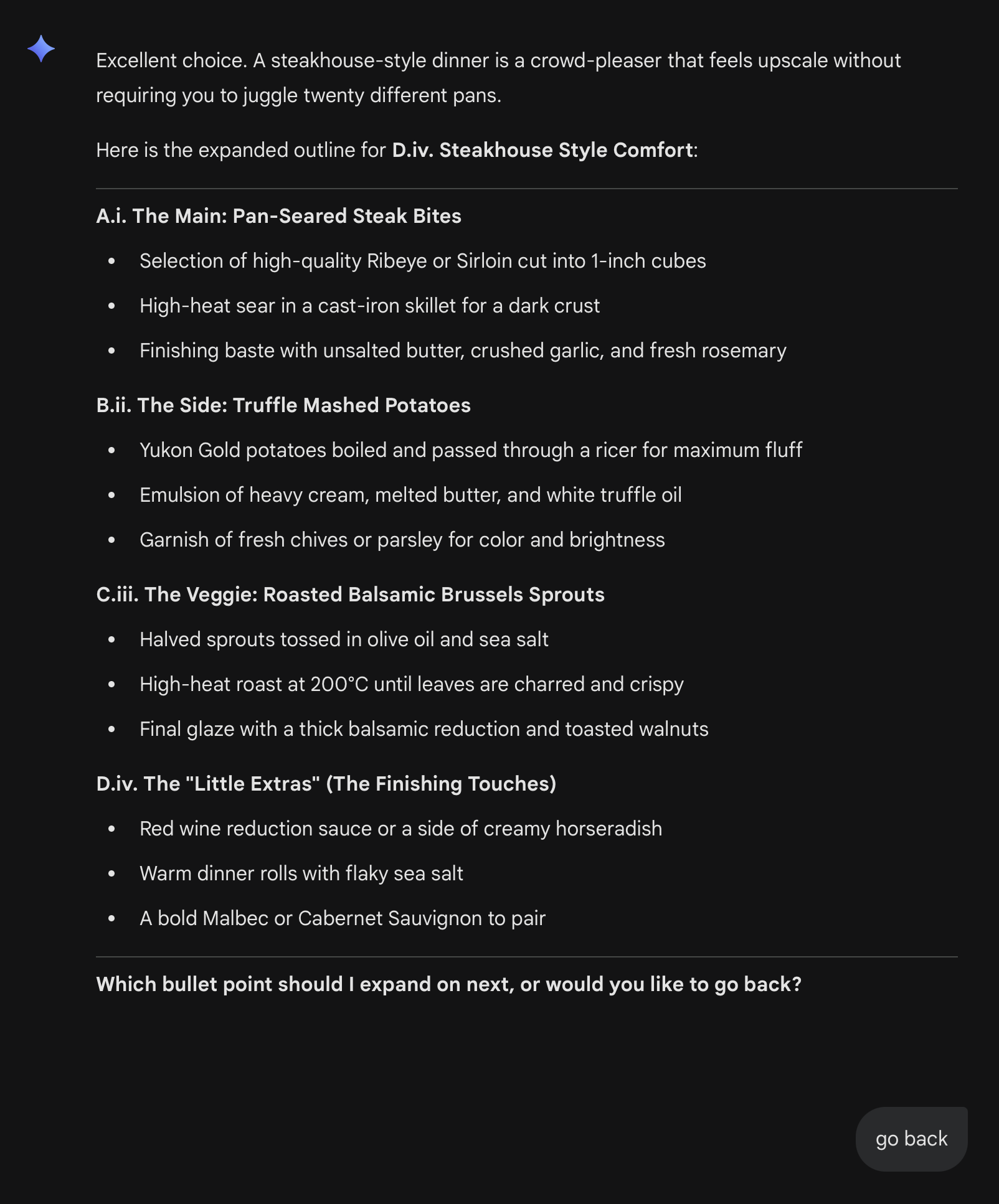
Also back works fine.
Claude - Haiku 4.5
Haiku 4.5 works in similar way:
Prompt and request
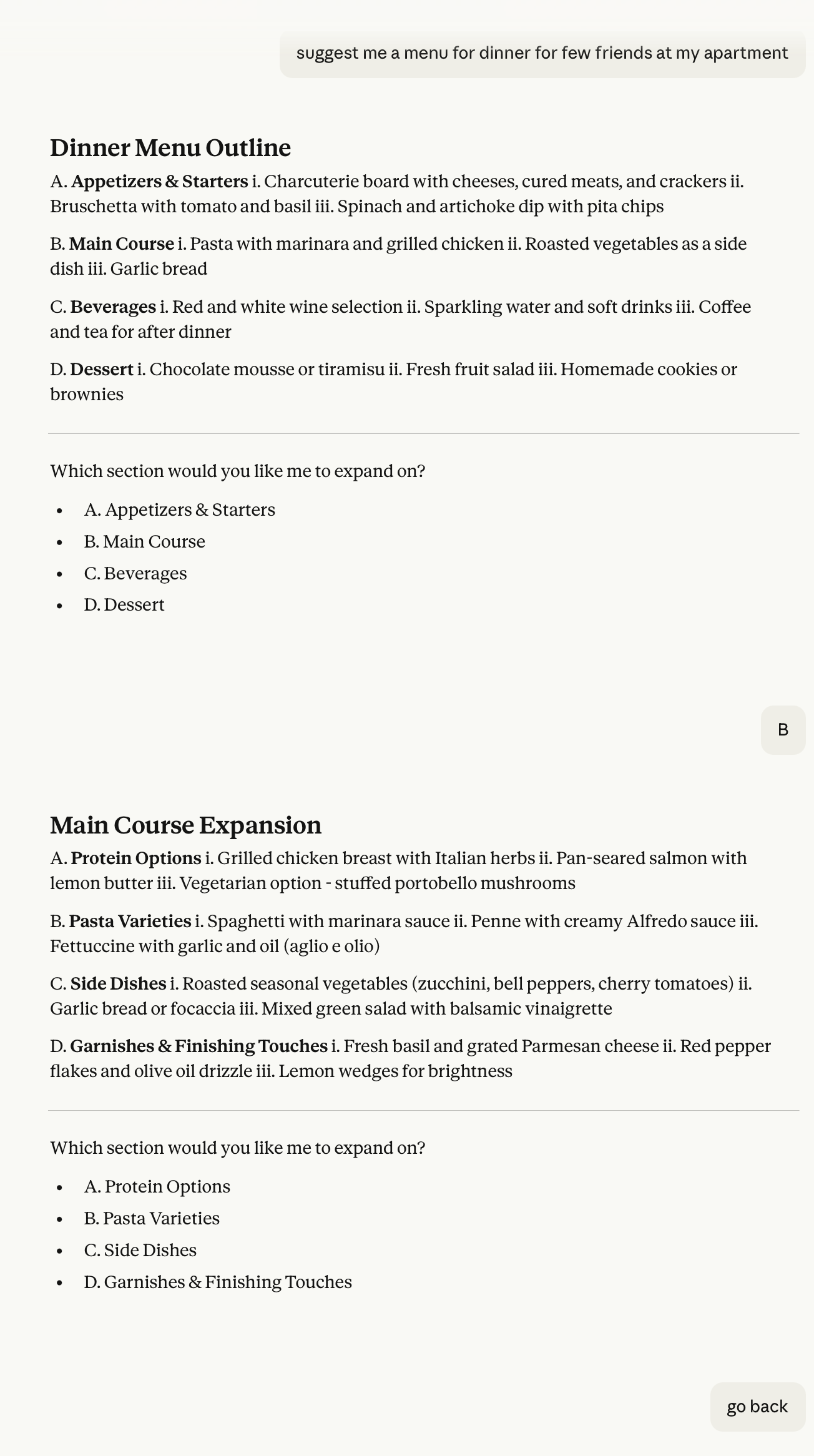
outline and expansion, including back
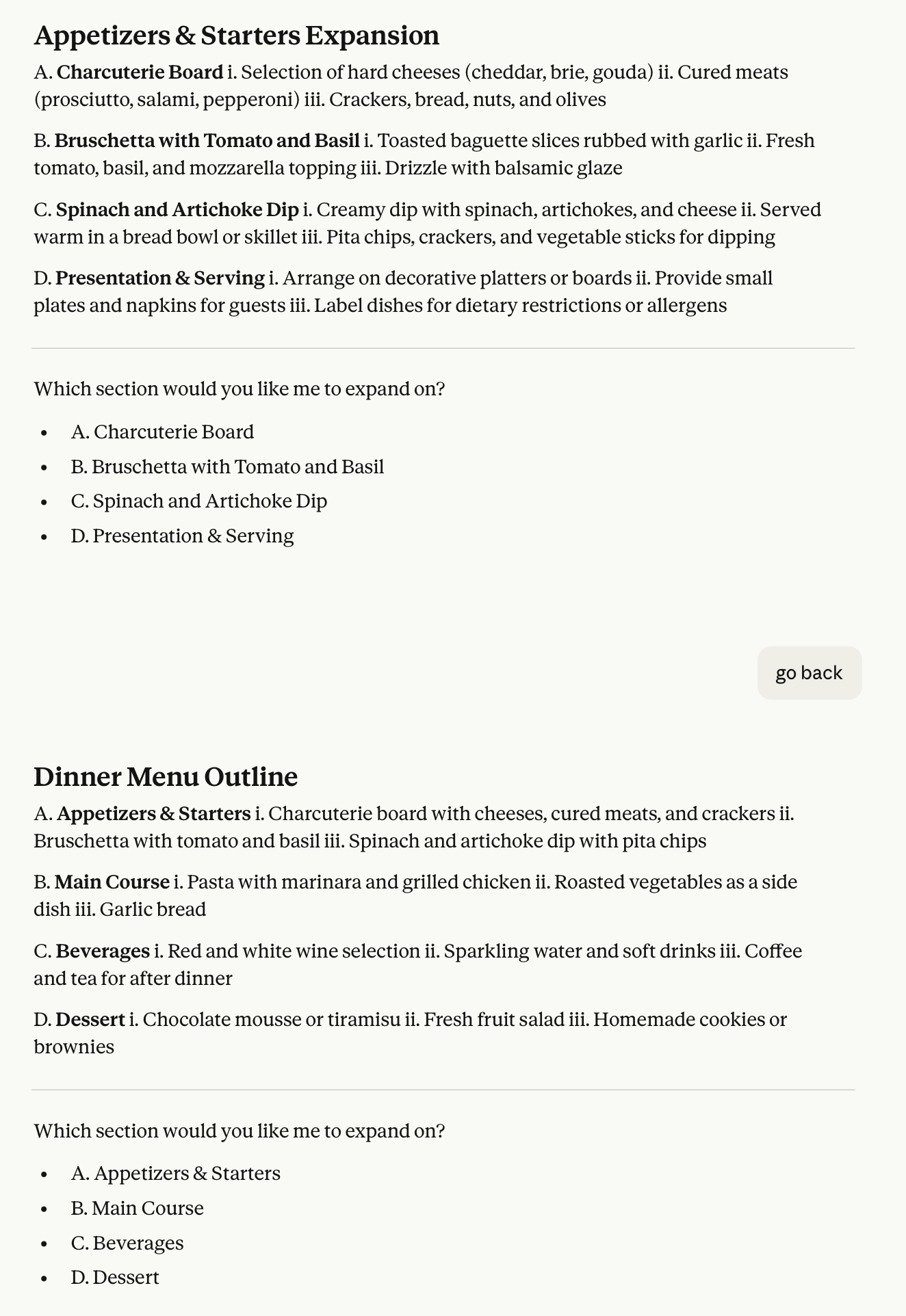
Navigation and results
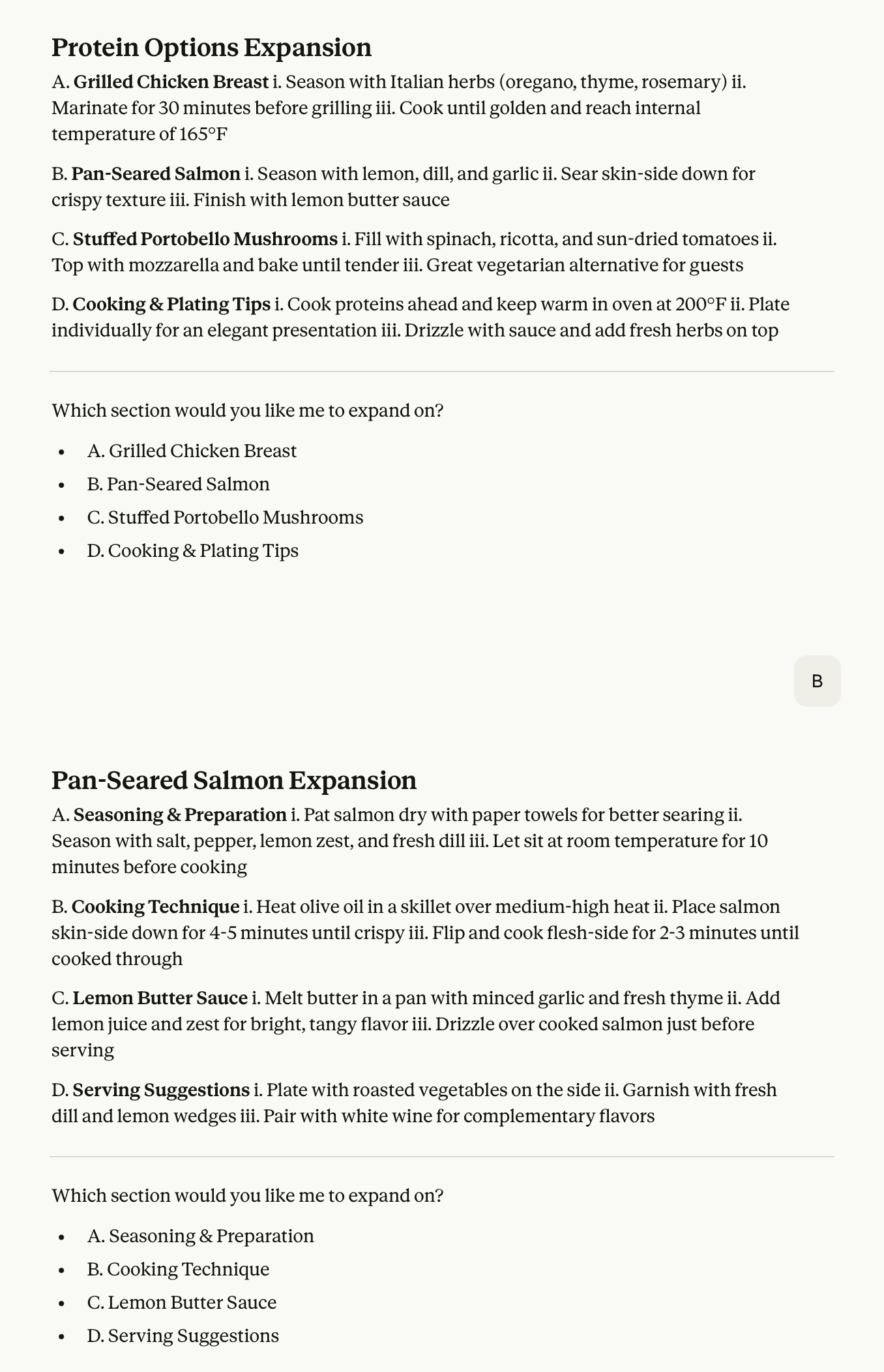
MistralAI
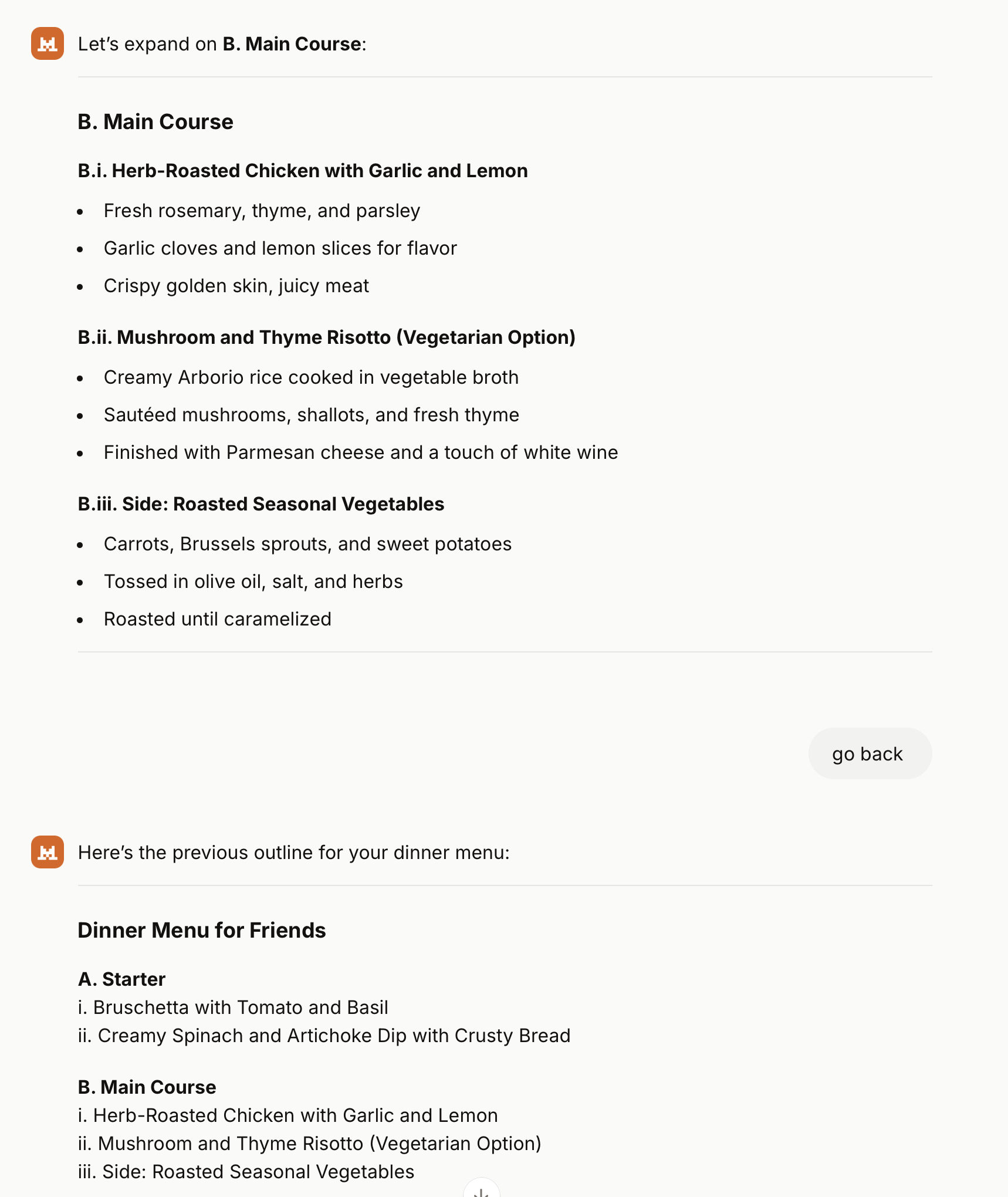
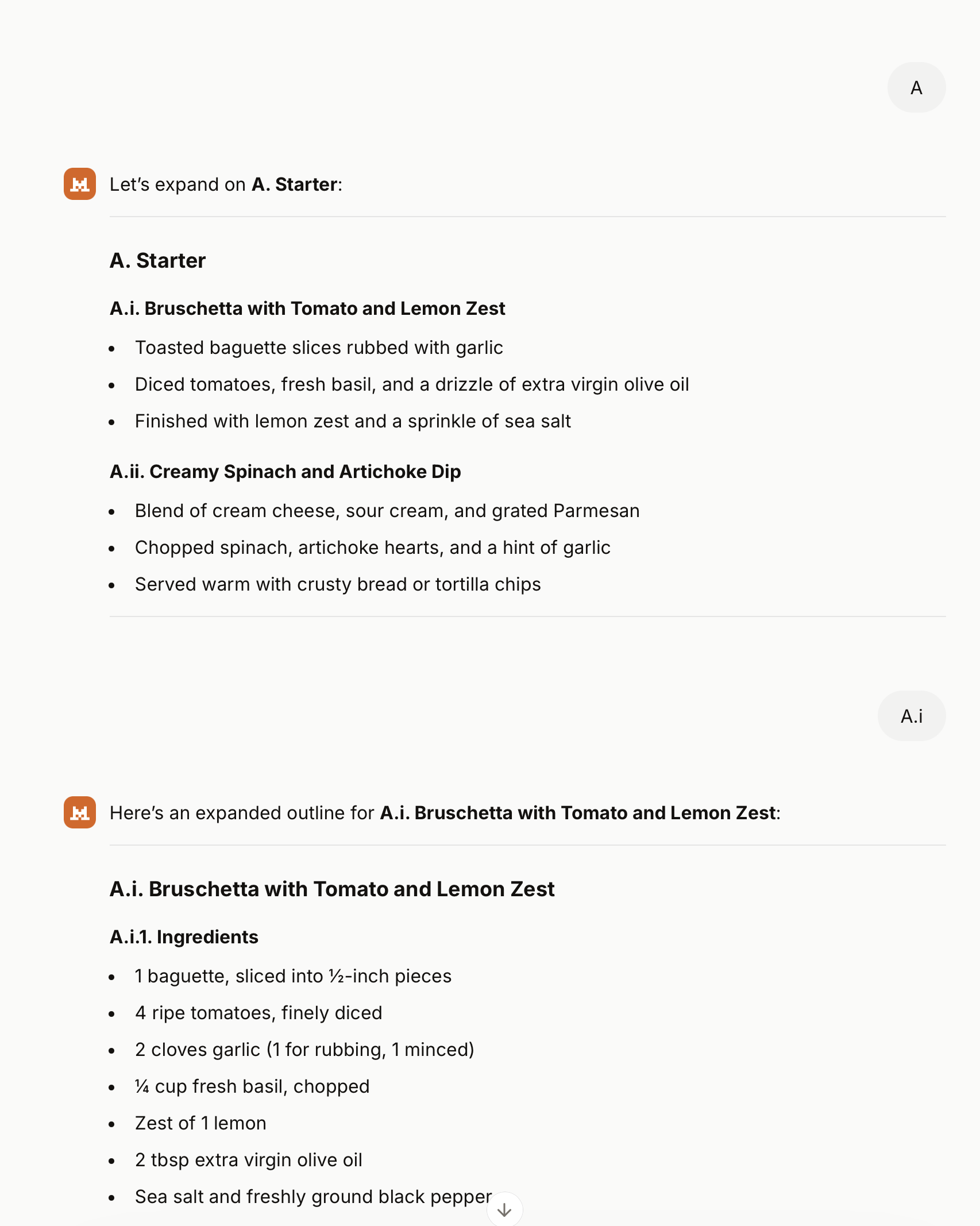
Mistral AI provides the most compact and useful navigation, landing on the instruction on how to cook in a easy and quick way. Also here the “back” function works.

Conclusions
I’m surprised about this pattern, as I was thinking that was just landing in an endless list of bullet points. Assuming a clear question the pattern can be really useful to define, refine and reach te information needed.
As rule of thumb 3 to 4 bullet points are manageable and, if not landing on a good answer in two or three steps probably something is going wrong.